01
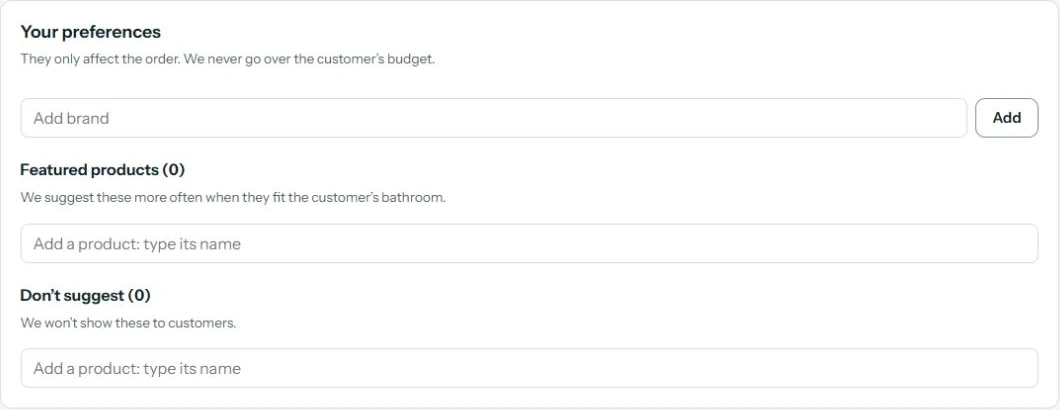
Suggest only what you stock.
You decide which brands and products come first.
Anything you don’t carry is never suggested.



 QuickA design at the desk in minutesQuoteAn estimate at your prices, instantlyQualityProducts you actually stockQualifiedA customer ready to decide
A catalog describes. A visualization sells. Once customers can see their bathroom, they stop imagining and start choosing.
How it works
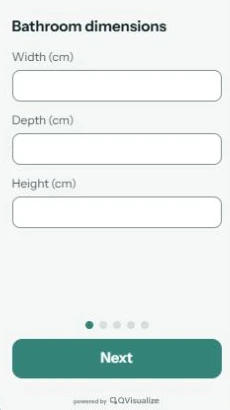
The advisor answers five questions together with the customer.
QVisualize lays out the bathroom for you.
No drawing needed.
A finished 3D bathroom with a proposed set and an estimate.
Design your bathroom
Bathroom dimensions
Where is the door?
Bath, shower, or both?
Set the budget
Interior style
WC position
Click the wall with the WC connection.
For showrooms
01
You decide which brands and products come first.
Anything you don’t carry is never suggested.
02
The 3D editor walks you through five steps: shape, dimensions, doors, windows and partitions.
Slopes, knee walls, roof windows or pillars: you can recreate even a tricky attic.
Drag the walls on the 3D model or type an exact measurement.
Window 1
03
Customer wants a different tub or a bigger vanity?
The advisor swaps it in 3D and the estimate updates instantly.
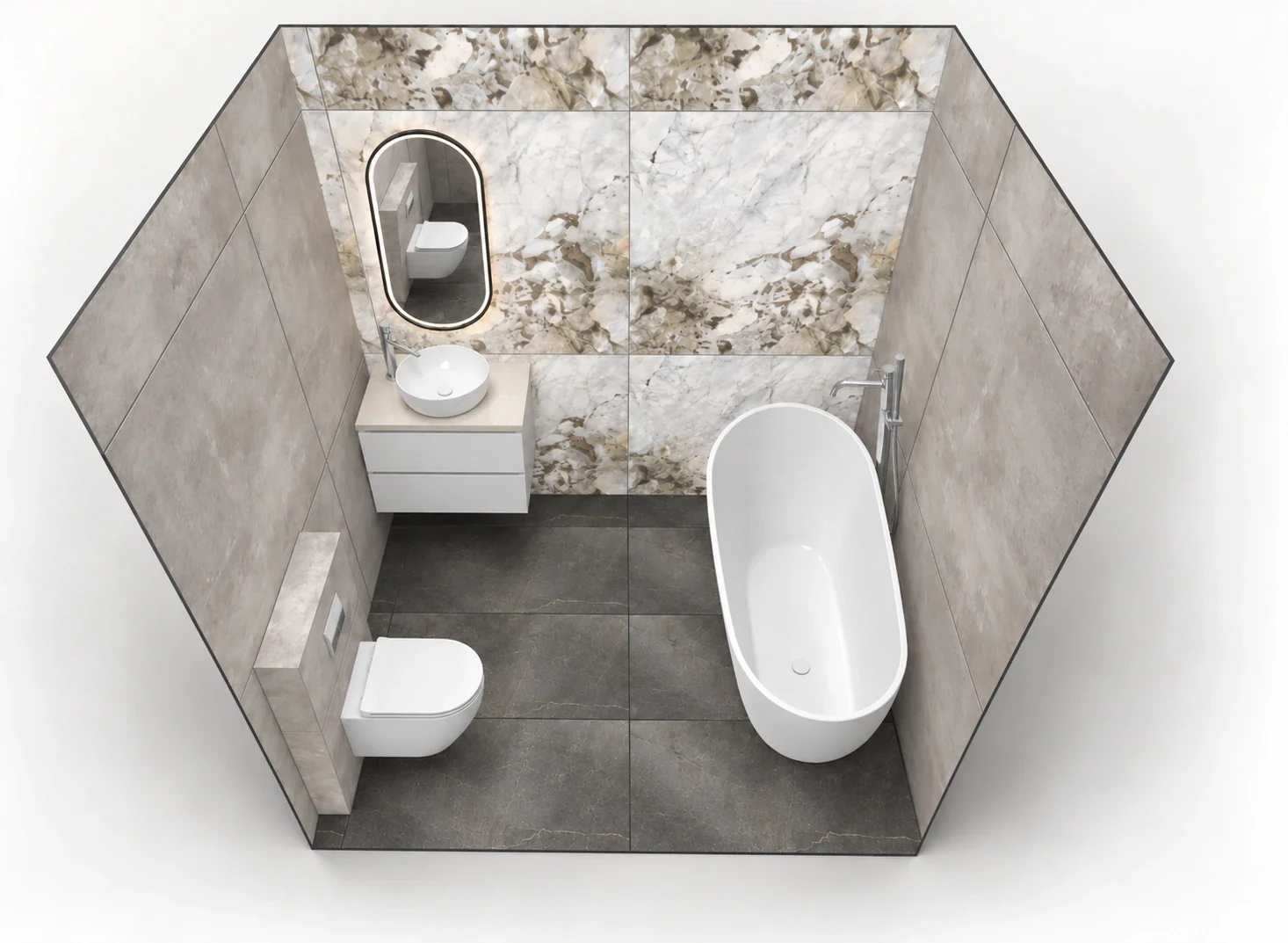 270 cmCabinet€450Basin€160Bathtub€890
 WC€300
 Mirror€260
04
Quality
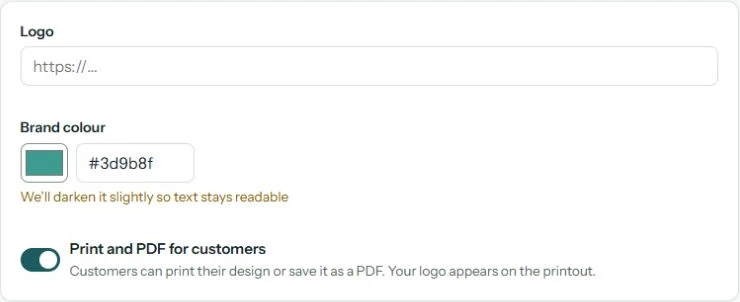
Your logo and colors in the app and on the printout.
Customers remember where they saw their bathroom.
05
Visualization and estimate as a printout or PDF with your logo.
It’s easier for them to come back and buy from you.
YYour Showroom
Project estimate
CabinetVanity unit 80 cm€450BasinRound countertop basin€160 TapTall basin mixer€170BathtubFreestanding bath 160 cm€890WCWall-hung toilet€300MirrorOval LED mirror€260
Total€2,230
See QVisualize in your showroom.
Ask for an offerNo.
They enter the dimensions and pick a style; the system does the rest. The first design is ready in minutes.
From your showroom’s product file.
We refresh it daily, so you never update anything by hand.
Yes.
The customer picks a price level: Economy, Comfort or Premium, and the selection sticks to it. Your preferences decide the order.
A printout or PDF with the visualization, product list and estimate, carrying your showroom’s logo.
Yes.
All you need is a product file and a computer on the advisor’s desk.
Write to us and we’ll check.
No expensive computer and no 3D software skills needed.
QVisualize runs in the browser, and any advisor can use it.
 Everything starts with Q.